

HMS Raleigh Live Stream
Watch the passing-out parade live from anywhere. Buy a stream pass, log in on the day, and watch from 1.30pm UK time.
Step 1:
Choose your parade date and buy a stream pass. Stream passes cannot be shared as you'll be asked to log in before watching.
Step 2:
You'll receive a confirmation email shortly after purchase. We recommend logging in ahead of time to ensure you have no issues and remember to use the email address and password that you used to purchase the pass.
Step 3:
Log in on parade day and watch live from 1.30pm UK time. Due to the events taking place outside, timing is subject to change due to weather conditions but we'll send updates via email if the livestream start time changes
Step 4:
If you haven't received an email within three hours, please check your junk or get in touch with us ASAP. Do not wait until the parade begins to fix the issue as you'll miss part of the live stream.
Upcoming Parades
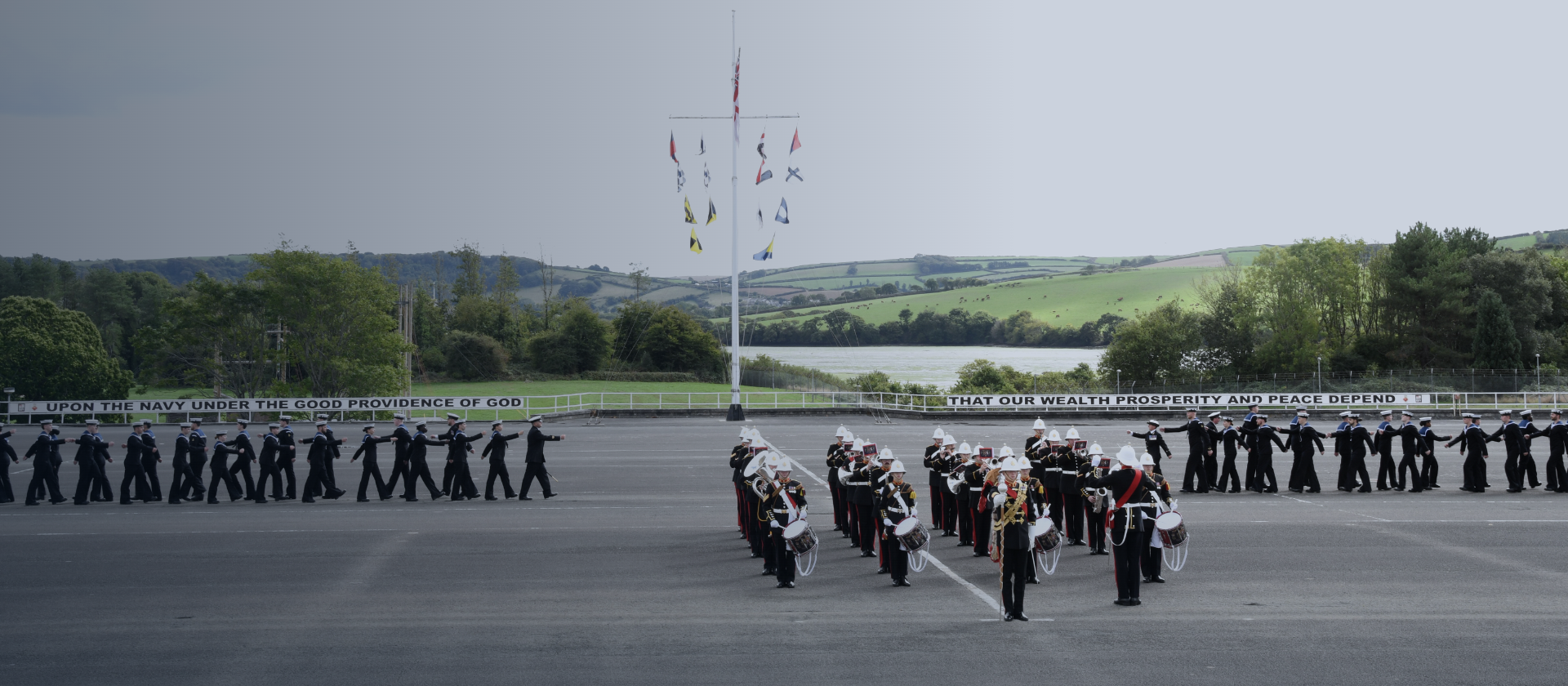
VI Live - Friday 30 October
10£Livestream pass for the HMS Raleigh passing-out parade on Friday 30 October. Please note that content is only available for the duration of the live event.Valid for 8 days
FAQs
How does the livestream work?
Can I watch on my phone?
Can I share the link with family?
What if I miss my livestream?
Who can I contact for support if I can't access the live stream?

